Getting started Length: 0:29
Choosing a learning companion
The video has captions to turn on, and every word of it is written out below.
What this guide shows
The last step of setting up belongs to your child. They say what they'd like to be called, then choose a learning companion from a whole cast, like Captain Quill, Professor Fumblebrew and Numi. Their companion cheers them on and helps explain the tricky bits along the way, and they can choose another from their profile at any time.
This is a demonstration: the family, their answers and results were made up for the recording.
Every word
Transcript
Starts at 0:00
What to call your child
The last step belongs to your child. First, what should we call them?
Starts at 0:06
The cast of companions
Then they choose a learning companion. There's a whole cast to pick from, like Captain Quill, Professor Fumblebrew, and Numi.
Starts at 0:16
Their companion, on the home screen
Their companion cheers them on, and helps explain the tricky bits along the way. And if they change their mind later, they can choose another from their profile at any time.
Next in Getting started
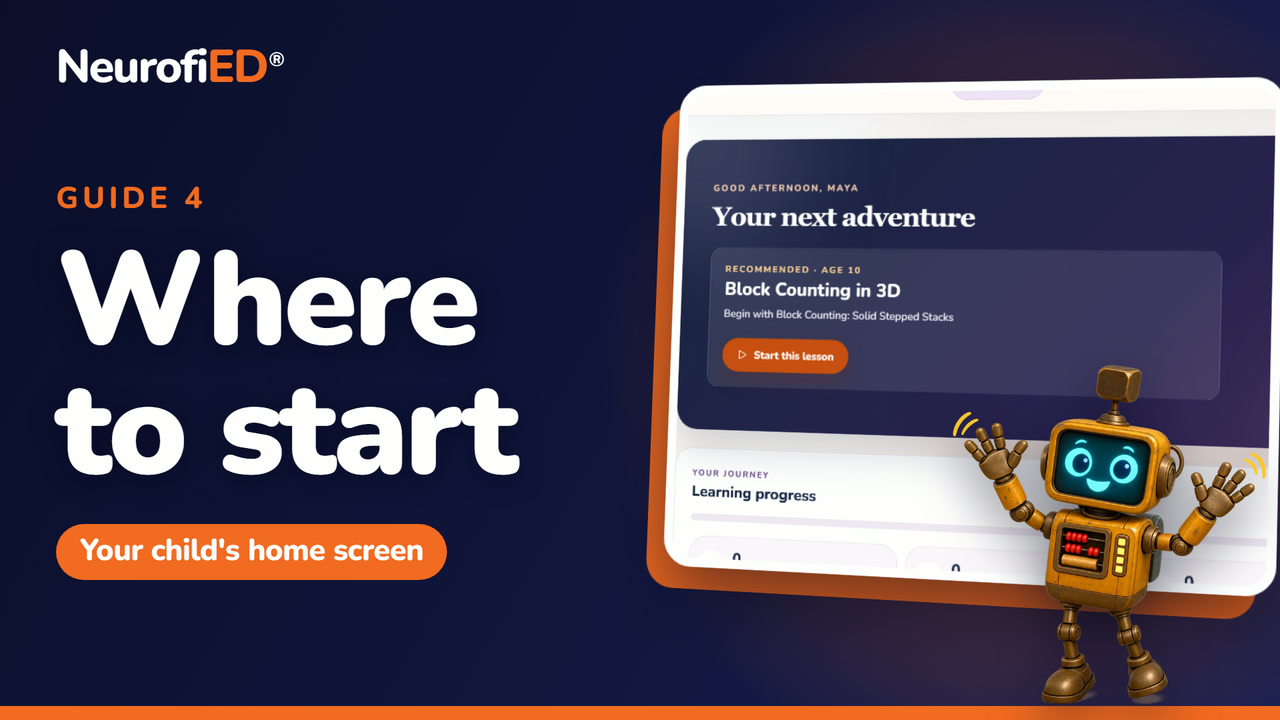
All guidesWhere to start: your child's home screen
Length: 0:31
The home screen always shows what to do next, starting with a recommended first lesson.
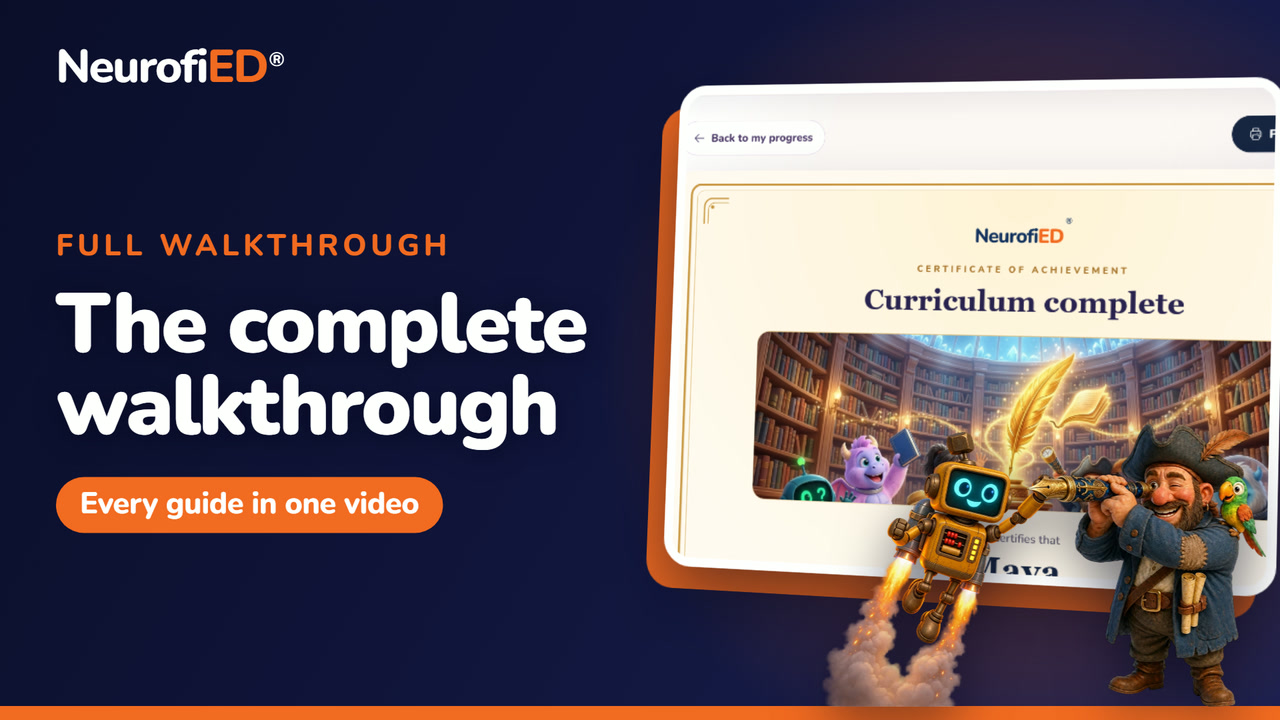
NeurofiED: the complete walkthrough
Length: 9:27
The whole platform in nine and a half minutes, from setting up your account to your child's certificate.
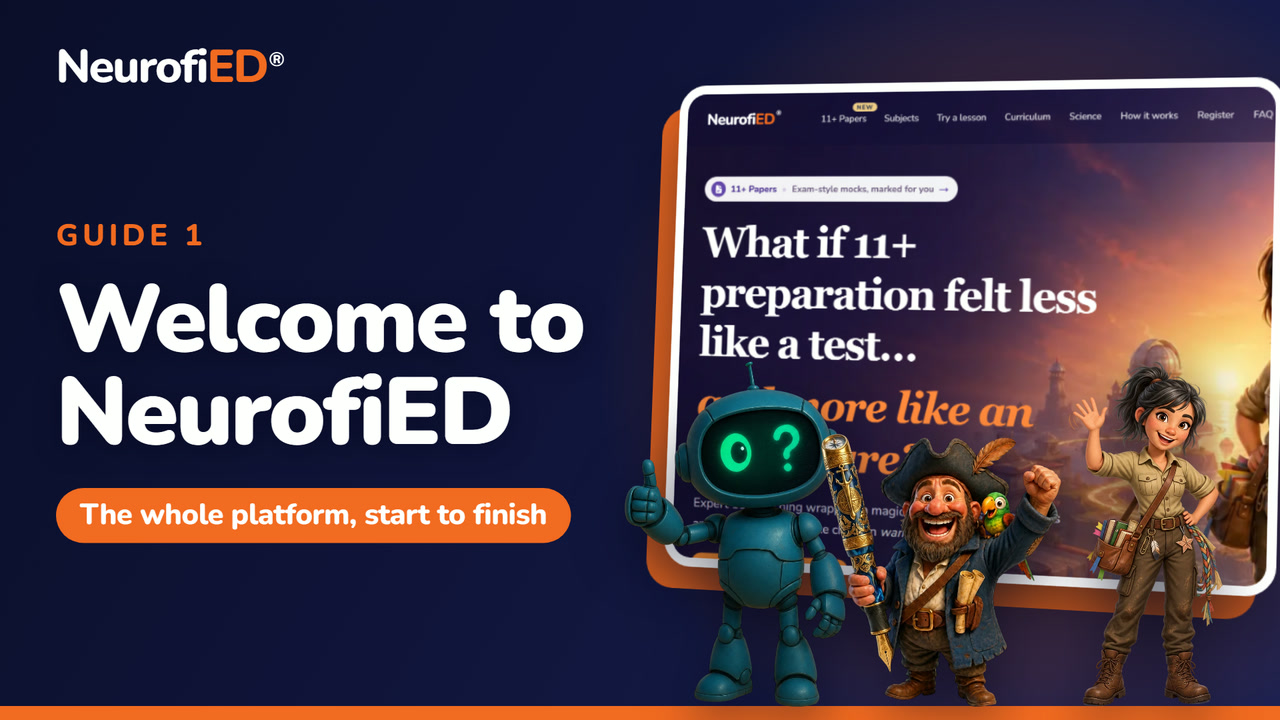
What is NeurofiED?
Length: 0:28
Lessons first, then tests: what NeurofiED is, in half a minute.