Getting started Length: 9:27
NeurofiED: the complete walkthrough
The video has captions to turn on, and every word of it is written out below.
What this guide shows
NeurofiED teaches before it tests: every topic is a lesson first, and only then a test. This walkthrough takes you through the whole platform in sixteen short chapters: setting up a family account, choosing a companion, where to start, how the curriculum and a lesson are laid out, asking the companion for help, practice, the topic test, the module challenge and the final test, the daily, weekly and monthly tests, rewards, progress and your family account.
This is a demonstration: the family, their answers and results were made up for the recording.
Every word
Transcript
Starts at 0:00
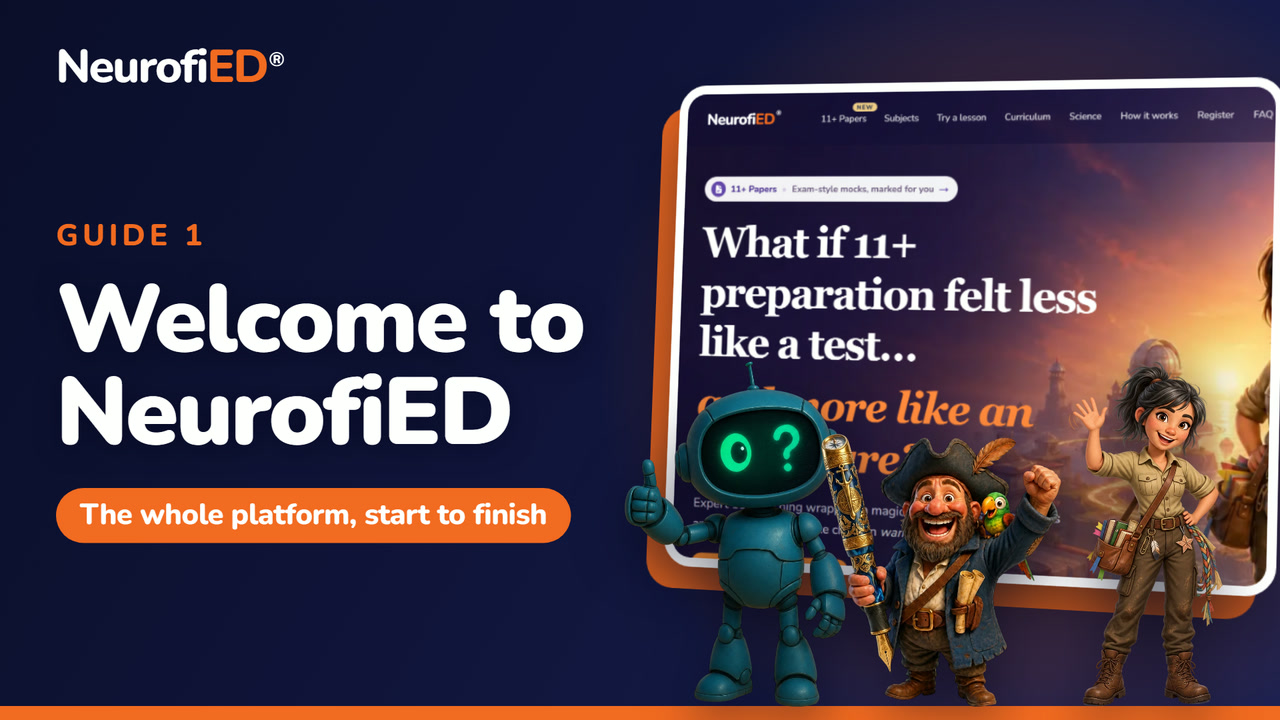
Welcome to NeurofiED
This is NeurofiED. Most 11+ platforms begin by asking your child questions. We begin by teaching them. Every topic is a lesson first, with a story, clear teaching and plenty of practice, and only then a test. In this guide I'll take you through all of it, from setting up your account to the day your child earns their certificate.
Starts at 0:30
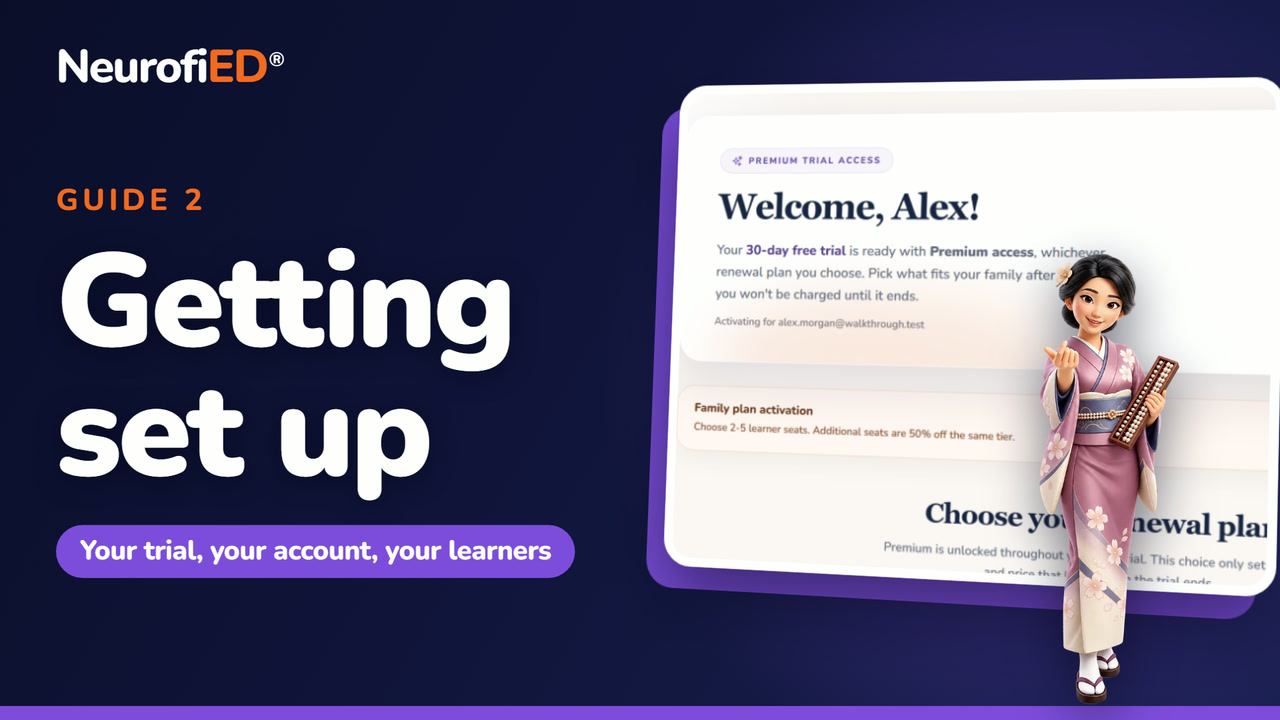
Getting set up
Getting set up takes a few minutes. Your free trial opens with full Premium access, so your child can try everything. You'll choose the plan you'd like to carry on with afterwards, and you won't be charged during the trial. Then create your password, and tell us a little about your learner: their date of birth, and the exam they're working towards, from 7+ to 11+. That's how we know where to start them. If you have more than one child, add each of them here. Every learner gets their own profile, their own progress and their own rewards.
Starts at 1:15
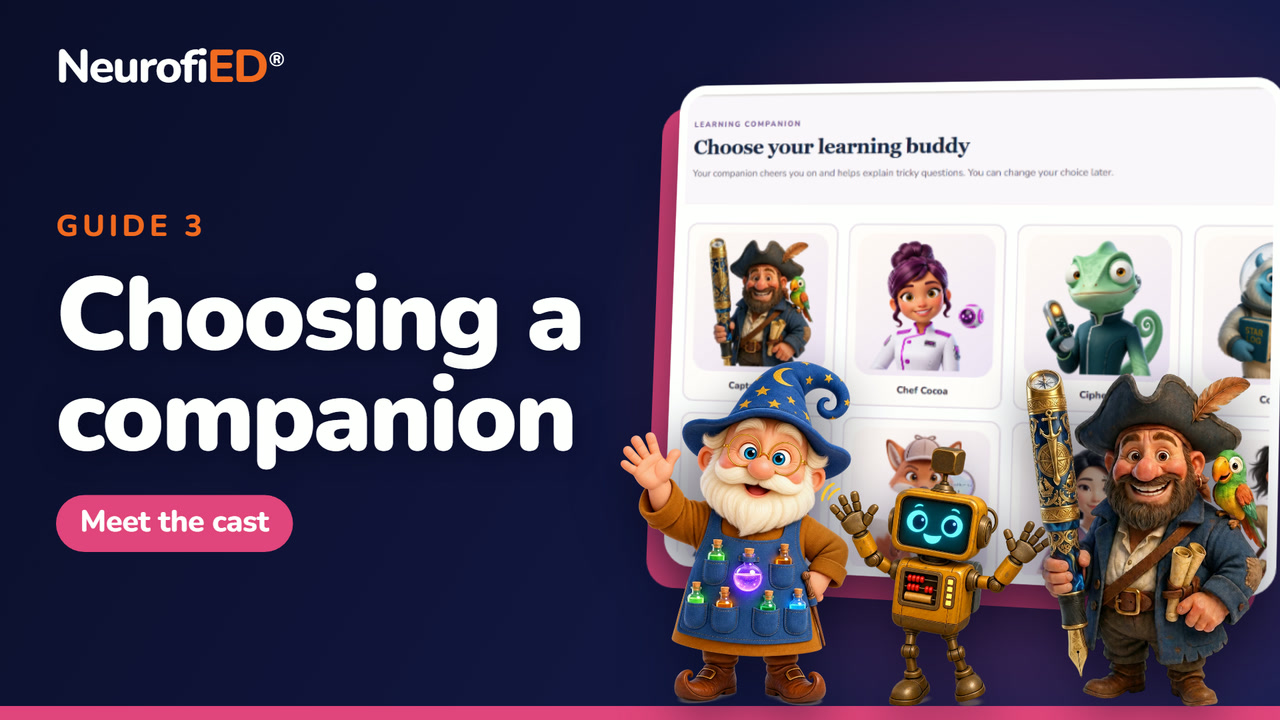
Choosing a companion
The last step belongs to your child. First, what should we call them? Then they choose a learning companion. There's a whole cast to pick from, like Captain Quill, Professor Fumblebrew, and Numi. Their companion cheers them on, and helps explain the tricky bits along the way. And if they change their mind later, they can choose another from their profile at any time.
Starts at 1:47
Where to start
This is home. At the top is your child's next adventure, and for a new learner that's a recommended first lesson, chosen for their age. So there's never a question of where to begin: press Start this lesson. Once they're under way, the same card changes, to carry on where they left off, or to tell them a test is waiting. Underneath is their progress at a glance, and three shortcuts: the curriculum, the Test Centre, and their progress.
Starts at 2:20
Finding your way around
The curriculum covers English, maths, verbal reasoning and non-verbal reasoning: nearly six hundred topics in all. Each subject is divided into modules, and each module into topics. Everything for your child's age is open from the start. A module's topic path shows what's done, what's up next and what's ready, so they can follow the order, or go straight to the topic they need. And look out for the mystery topics. Finish a module, and a bonus stretch topic is revealed.
Starts at 2:57
Inside a lesson
Every lesson follows the same five steps. It opens with a story to set the scene, often with a short film. Then the core concept: the teaching itself, in short sections, with pictures along the way. Next comes guided practice, working through questions carefully, one at a time. Then independent practice, where it's their turn. And a recap pulls it all together. A bar at the top shows how far through they are. When every activity is done, the learning is marked complete, and the topic test opens.
Starts at 3:39
Asking your companion for help
Stuck on something? Their companion is right there in every lesson. Tap Ask Numi, and choose a question, like: can you explain this concept in simpler terms? The explanation is about the exact part of the lesson they're on. From there, they can ask a follow-up in their own words. On practice questions, their companion gives a hint and helps them think it through, but it won't give the answer away. Each topic comes with a set number of questions, so they're saved for when they're needed. The companion is included with Plus and Premium.
Starts at 4:27
Practice in every lesson
Practice comes in more than one shape. There are sentences with gaps to fill, from a bank of words. Pairs to match, a word to its meaning. Flashcards to flip, to test themselves. Quick quizzes, with an explanation after each answer. Short pieces of writing, with a target to hit. And for non-verbal reasoning, puzzles to solve. None of this is a test. There's no clock and no pass mark, and they can try again as often as they like. It's where the learning settles in, before the test that counts.
Starts at 5:06
The topic test
Once the learning is complete, the topic test opens. It's about ten questions against the clock, and it's the one that counts: your child needs eighty percent to master the topic. If they don't get there first time, they'll see which answers were right, and why, and they can take it again, with a fresh set of questions. After two misses the test rests for a day, which is a good moment to go back over the lesson. Pass, and the topic is mastered, and there's a reward waiting: here, the mainmast for Captain Quill's galleon.
Starts at 5:45
The module challenge
When every topic in a module is mastered, the module challenge unlocks. It's a longer test, twenty-five questions in half an hour, drawing on everything in the module. Passing it does two things. It earns the module's trophy: here, Quill's Galleon. And it reveals the module's stretch topics, for anyone who wants to go further.
Starts at 6:13
The final test and certificate
Master every module in a curriculum, and the final test appears. It draws its questions from every module in the subject, and there's no time limit. Your child has three tries, and needs eighty percent. When they pass, they claim the curriculum's legendary reward, and a title to go with it. And there's a certificate with their name on it, to print and put on the wall.
Starts at 6:45
Daily, weekly and monthly tests
The Test Centre keeps every test in one place: the ones that are ready to sit, and three that come round on a rhythm. The daily check-in is a short test, about fifteen minutes. The weekly review brings the week together, in about twenty minutes. And the monthly mastery test is the big one, at half an hour. Each can be sat once, so it's a true check of what has stuck. These tests are part of Premium, and every result is kept on the progress page.
Starts at 7:25
Rewards and the collection
Every test your child passes earns something to keep. Master a topic, and they discover a treasure: a mainmast, a cannon, the captain's flag. Finish the module, and its trophy goes into the Trophy Room: this one is Quill's Galleon. Complete a whole curriculum, and a legendary relic goes into the Hall of Legends. It all lives in their collection, where they can see what they've earned, and what's still to discover. And as the collection grows, so does their rank, from Wandering Explorer all the way to Legendary Archivist. Every treasure marks something they have really mastered.
Starts at 8:09
Seeing progress
To see how things are going, open Progress. At the top: topics completed, modules finished, time spent learning, and their recent average. Below that is every test they've taken, with their scores over time, so you can see the direction of travel. It's worth sitting down together to look at it. You'll see what has been mastered, and where a little more practice would help.
Starts at 8:41
Your family account
Everything about your account is under Profile. If you have more than one learner, switch between them here, or add another. Your child can change their companion whenever they like. And under Security and membership, you can manage your plan and your billing.
Starts at 9:05
Where next
And that's NeurofiED: lessons first, then the tests, with a companion alongside, and something to show for every step. You'll find a guide to each part of the platform at neurofied.co.uk. Start with the first lesson, and see where the adventure goes.
Next in Getting started
All guidesWhat is NeurofiED?
Length: 0:28
Lessons first, then tests: what NeurofiED is, in half a minute.
Setting up your NeurofiED account
Length: 0:43
Your free trial, your password and your learners: setting up takes a few minutes.
Choosing a learning companion
Length: 0:29
Your child picks a companion from the cast, and can choose another at any time.