Getting started Length: 0:43
Setting up your NeurofiED account
The video has captions to turn on, and every word of it is written out below.
What this guide shows
Setting up a NeurofiED family account takes a few minutes. This guide shows the welcome page, with your free trial and the plan you'd like to carry on with afterwards, then creating a password and adding your first learner: their date of birth and the exam they're working towards, from 7+ to 11+. If you have more than one child, each is added with a profile, progress and rewards of their own.
This is a demonstration: the family, their answers and results were made up for the recording.
Every word
Transcript
Starts at 0:00
Your free trial
Getting set up takes a few minutes. Your free trial opens with full Premium access, so your child can try everything. You'll choose the plan you'd like to carry on with afterwards, and you won't be charged during the trial.
Starts at 0:14
Your password and your first learner
Then create your password, and tell us a little about your learner: their date of birth, and the exam they're working towards, from 7+ to 11+. That's how we know where to start them.
Starts at 0:31
Adding another learner
If you have more than one child, add each of them here. Every learner gets their own profile, their own progress and their own rewards.
Next in Getting started
All guidesChoosing a learning companion
Length: 0:29
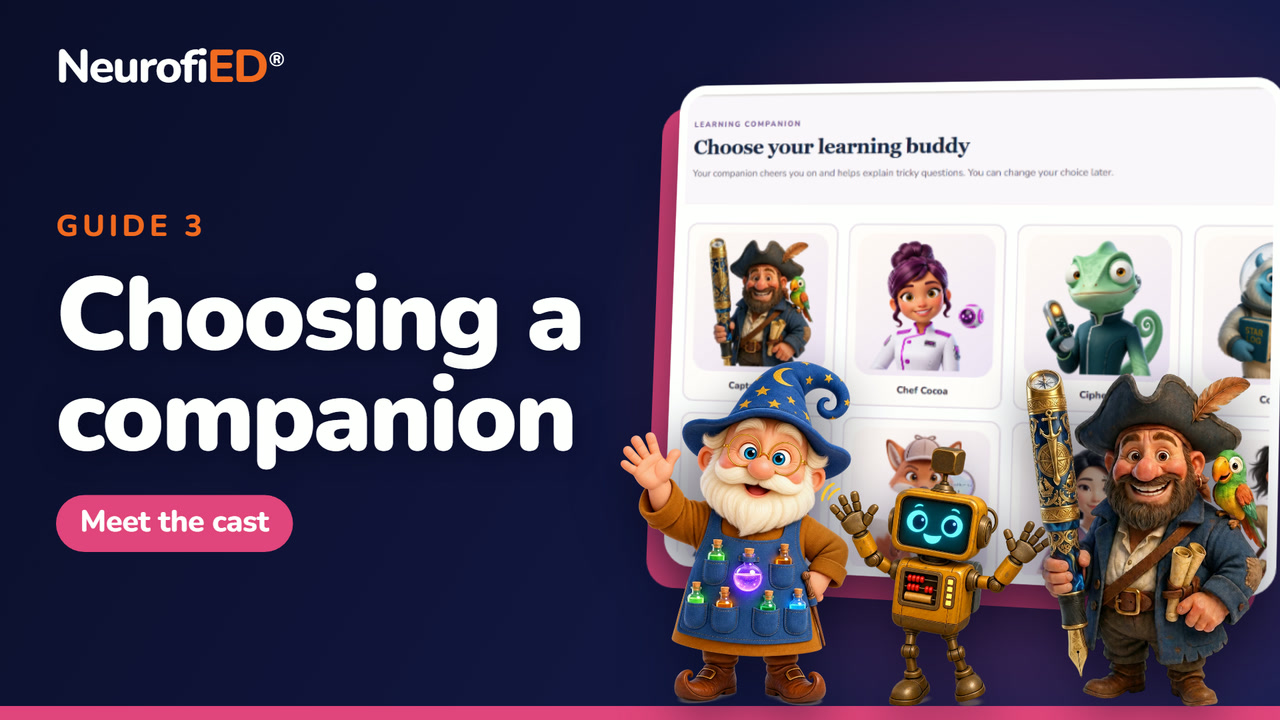
Your child picks a companion from the cast, and can choose another at any time.
Where to start: your child's home screen
Length: 0:31
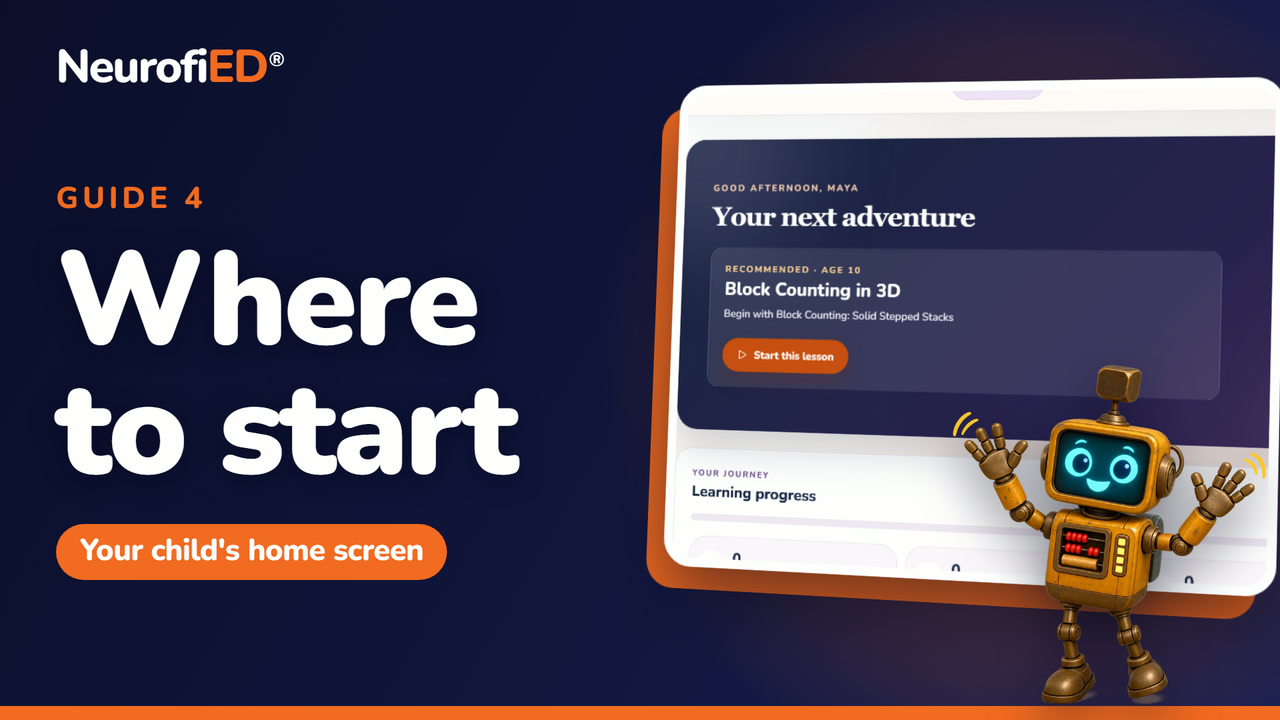
The home screen always shows what to do next, starting with a recommended first lesson.
NeurofiED: the complete walkthrough
Length: 9:27
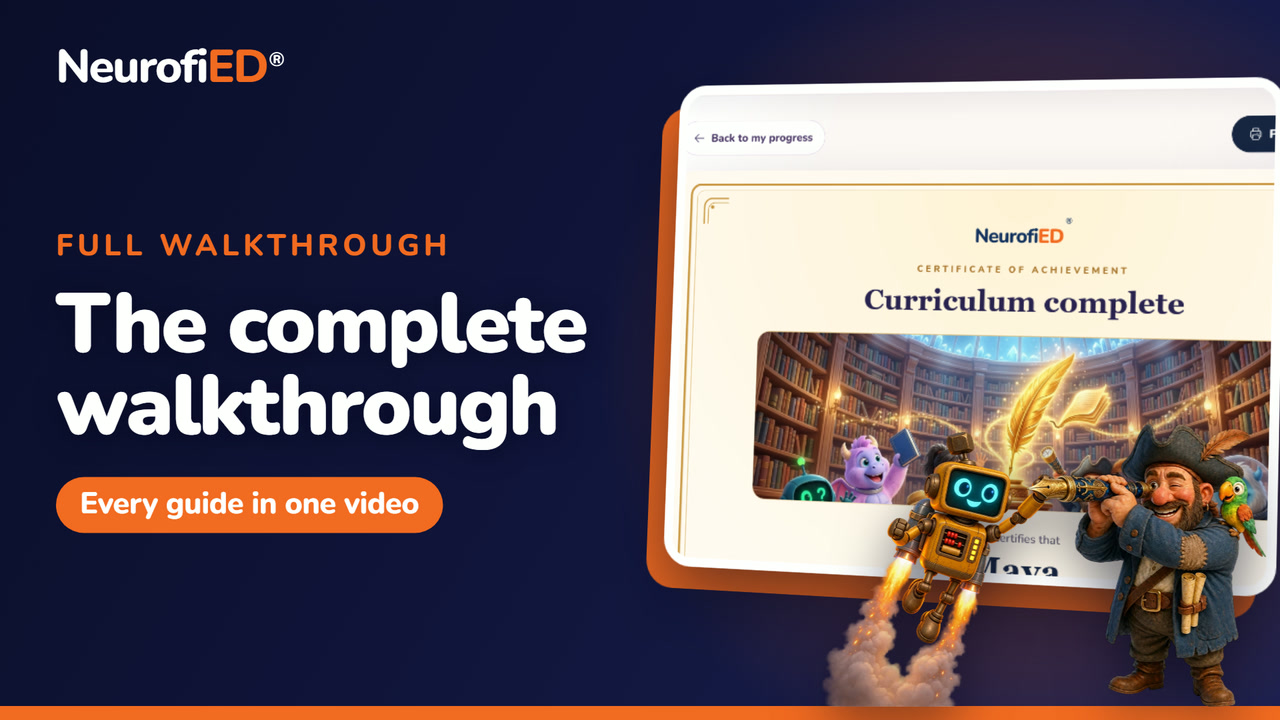
The whole platform in nine and a half minutes, from setting up your account to your child's certificate.